

USB-C in the Control Cabinet: The Quick Guide
In five minutes you will have the key decisions for USB-C power in the control cabinet covered: AC or DC, with or without Power Delivery, and what to watch for when picking cables.
Why USB-C in the Control Cabinet?
Powering devices over USB-C is simple, efficient and versatile. Almost every modern end-device now relies on the standard:
- Smartphones and tablets as operator terminals or mobile HMIs
- Laptops for service and commissioning work
- Single-board computers and controllers such as Raspberry Pi, industrial PCs or compact edge devices
A USB-C outlet directly inside the cabinet eliminates the clutter of wall warts and power strips - cleaner, safer and easier to service.
DC or AC at the Input?
Whether AC or DC is the better fit at the input depends on the application. Both have their place - and DPS offers both.
DC (direct current) is the first choice if the cabinet already has a 24 V or 48 V main supply or a UPS in place. DC/DC converters are very compact and take up minimal DIN-rail space.
AC (alternating current) is ideal for stand-alone solutions without an existing DC bus. AC/DC units are typically slightly larger, but they need no additional components to be ready for use.

USB-PD or No PD?
One of the most common questions: do I need Power Delivery (PD)?
Short answer: with PD it works almost every time, without PD it depends heavily on the end-device. A quick look at the device's original power supply usually settles the question.
USB-C without Power Delivery
Devices without PD deliver a fixed 5 V at a maximum current - typically 3 A for fast-charging devices, but some are limited to 0.5 A or 1 A.
Good to know: a supply with a higher current rating than needed is perfectly safe to use. The end-device only ever draws the current it actually needs.
USB-PD: Intelligent Negotiation
USB Power Delivery lets the power supply and the end-device negotiate the best combination of voltage and current. The standard voltages are 5 V, 9 V, 15 V and 20 V, so even power-hungry devices are reliably supplied.
A Note on Laptops
Laptops almost exclusively charge via Power Delivery. Older models often support only a single voltage class - usually 20 V. If the supply does not offer that class, the laptop simply will not charge.
Practical tip: before you commit, check the laptop's original charger or consult the data sheet. When in doubt, a PD supply offering at least the four standard voltages (5/9/15/20 V) is the safe pick.
Matching Products from the DPS Portfolio
DC/DC Units
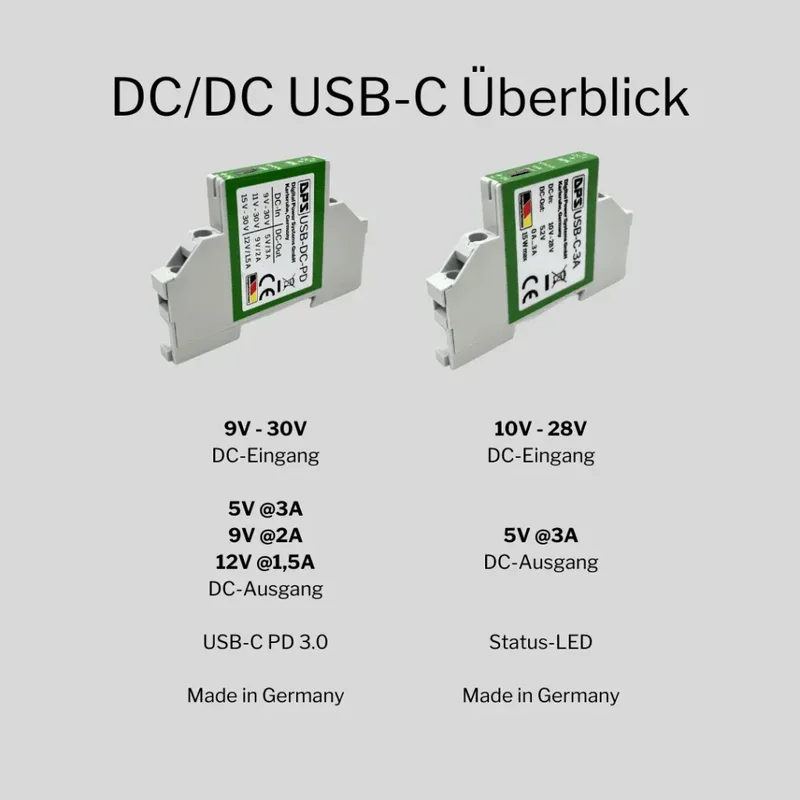
DPS offers two DC/DC DIN-rail variants:
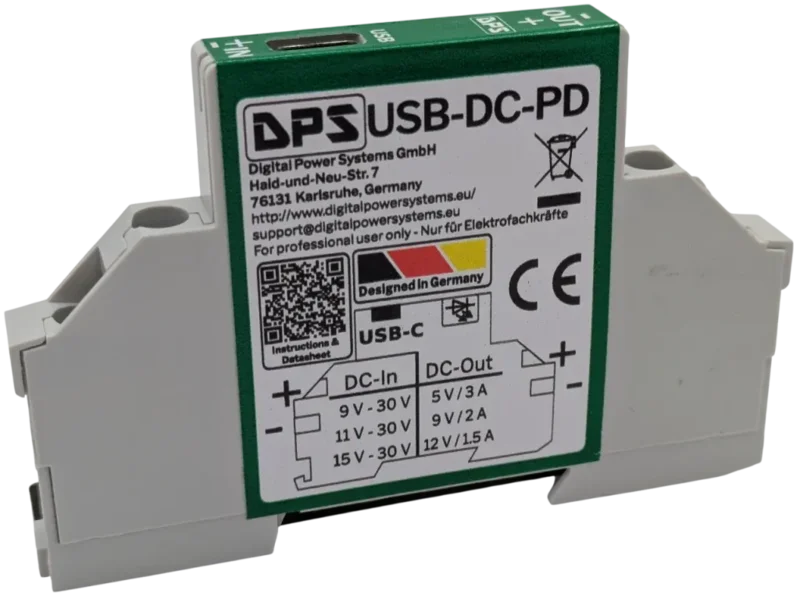
- USB-DC-PD - with Power Delivery, ideal for laptops and PD-capable devices
- USB-C-3A - without PD, 5 V/3 A for Raspberry Pi, tablets and simple loads
AC/DC Units
A directly mains-powered AC/DC variant is in development and will be available shortly.
Cables: Saving on the Wrong End Costs Time
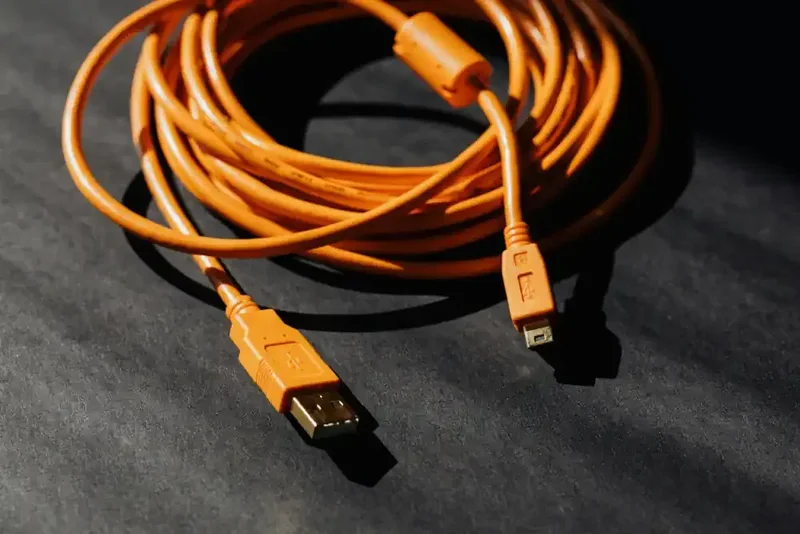
Poor-quality cables are one of the most common causes of trouble. A typical case from the field: a customer reported their Raspberry Pi 5 unexpectedly slipping into low-power mode. The culprit was not the power supply but a cheap cable with high contact resistance - the voltage simply collapsed under load.
Recommendation: invest in certified, good-quality USB-C cables with adequate conductor cross-section. For PD applications above 60 W, an E-Marker chip inside the cable is mandatory anyway.
Questions on Sizing?
Not sure which variant fits your application? We are happy to advise - please note that for commercial reasons we can only support business customers.